iPhone Overheating: Causes and Solutions
Normal warmth versus a real fault, the settings that help, and the hardware causes we see in the shop.
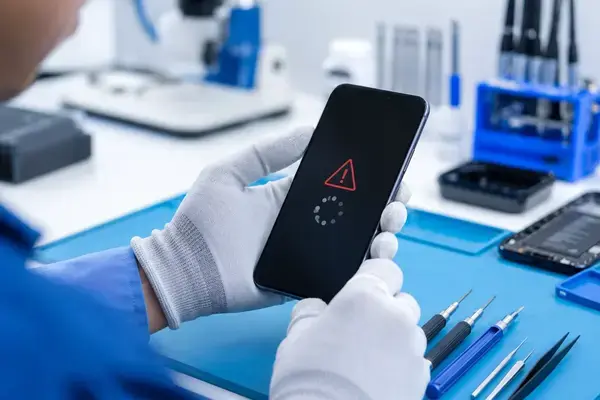
Normal warm vs a problem
An iPhone is designed to get warm when it works hard: the first day after an iOS update while it re-indexes photos, during a long video call, gaming, navigation with the screen on, fast charging, or wireless charging. Warm to the touch in those situations is normal. A problem looks like this: hot while idle in a pocket, hot while off, hot in one specific spot near the camera or the bottom edge, or a temperature warning screen in ordinary use. The battery draining unusually fast alongside the heat is the tell.
Software causes and fixes
- A runaway app. Settings → Battery shows the app using the most power in the last 24 hours. Force-quit or update it, or delete and reinstall.
- Background activity. Turn off Background App Refresh for apps that do not need it, and check Location Services for apps set to Always.
- 5G in a weak-signal area. The modem works hardest hunting for signal. Set Cellular → Voice & Data to 5G Auto or LTE where coverage is patchy.
- Just updated. Give it a day plugged in and on Wi-Fi to finish indexing.
- Old iOS with a known bug. Update. Apple has fixed several overheating regressions in point releases.
Environment: Lahore is hard on phones
iPhones are rated to operate between 0 and 35 °C. A dashboard in June, a delivery rider’s pocket, or a phone left on a sunny table exceeds that easily, and the phone will throttle, dim, disable the flash, and eventually show a temperature warning. None of that is a fault, but repeated heat ages the battery permanently. Charge in the shade, take it out of a thick case while gaming or fast charging, and never leave it in a parked car.
Hardware causes we see at the shop
- A worn or swollen battery runs hotter because its internal resistance is higher. Check Battery Health; under 80% plus heat is a replacement.
- A damaged charging port or cable can heat the bottom of the phone during charging.
- Liquid damage leaves corrosion that draws current constantly. A phone that is warm while off has a short on the board.
- A failing display or backlight driver after a drop, warm near the top of the screen.
- Counterfeit chargers that deliver unstable current and heat the battery.
Each of these shows up clearly in a free diagnosis. See the battery and water damage pages for the repairs.
What to do right now if it is hot
Unplug it, take off the case, close apps, and move it into shade or air conditioning. Do not put it in a fridge or freezer; condensation inside the phone causes the very liquid damage you are trying to avoid. If it shows the temperature warning, leave it off until it is cool.