What to Do When Your iPhone Gets Wet
The first ten minutes decide whether the phone and your data survive. Here is exactly what to do.
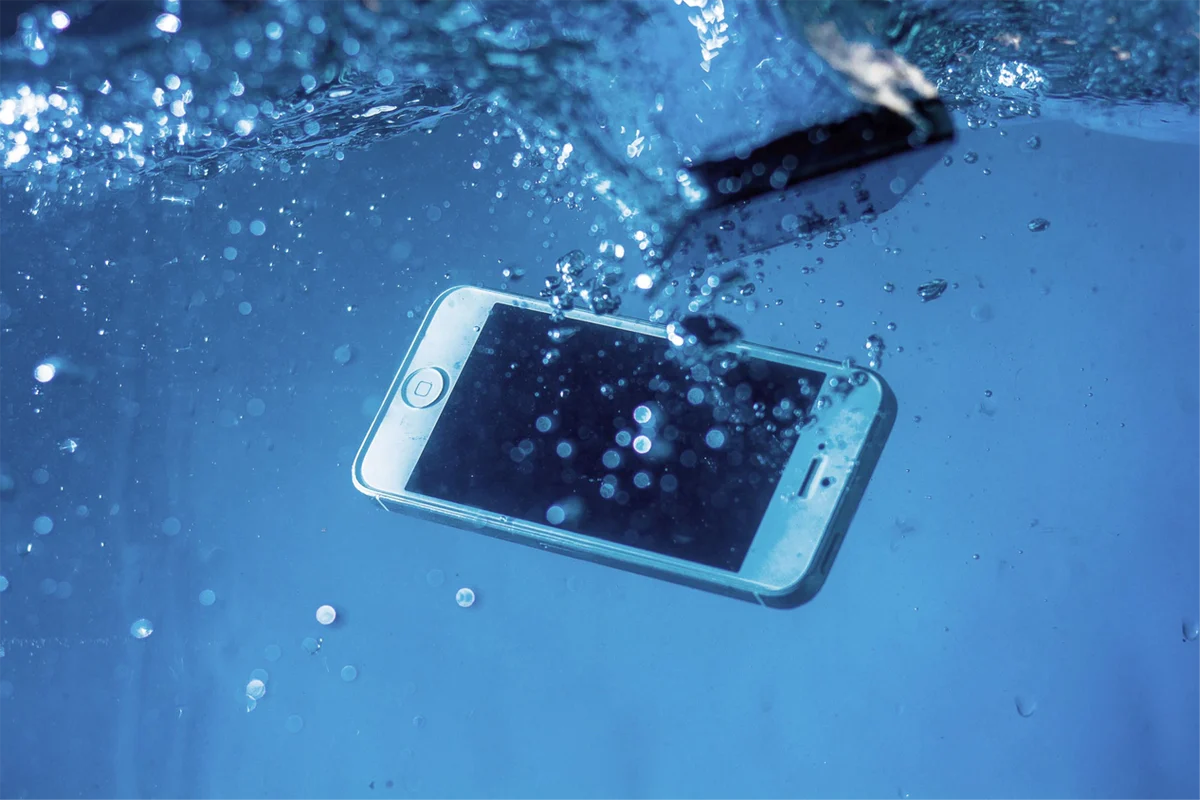
The first ten minutes
- Get it out of the water and power it off. Hold the side button and a volume button, slide to power off. If it is already off, leave it off.
- Do not plug it in. Not to check, not to dry it. Current through wet circuitry is what kills logic boards.
- Remove the SIM tray and any case. Wipe the outside with a lint-free cloth.
- Hold it port-down and tap gently against your palm to shake water out of the Lightning or USB-C port and the speaker grilles.
- Leave it in a dry, airy spot, port down, not in sun or on a heater.
- Bring it to a repair shop the same day. Corrosion starts within hours. The first 24 to 48 hours give the best recovery odds.
What never to do
- Rice. It does not reach inside a sealed phone, it delays real cleaning, and starch dust ends up in the port. Silica gel packets are marginally useful; rice is not.
- A hair dryer or oven. Heat pushes moisture deeper and damages the display adhesive and battery.
- Shaking it hard, which spreads water across the board.
- Pressing buttons repeatedly to see if it works.
- Charging it once it seems dry outside. Inside, it may not be.
But my iPhone is water-resistant
The iPhone 7 and later carry an IP67 or IP68 rating, tested in fresh, still water on a new phone. The gaskets age, weaken with every drop and every hot summer, and are not renewed. Sea water, pool chlorine, tea, soft drinks and soap all pass the seals more easily than clean water and corrode faster. Apple’s own warranty excludes liquid damage precisely because the rating is a lab result, not a promise. If the phone has been opened before, for example for a screen or battery change, assume the seal is gone unless it was resealed with fresh adhesive.
Signs the water got inside
Fog under the camera lens, a “Liquid Detected in Lightning Connector” message when dry, a dim or flickering screen, muffled speaker, the phone getting warm while off, or the Liquid Contact Indicator in the SIM slot turned red. Any of these means water reached the board and the phone needs opening and cleaning even if it currently works. A phone that “survived” the pool and dies three weeks later is the most common water-damage story we hear.
What the repair involves
We open the phone, disconnect the battery, and clean the logic board in an ultrasonic bath to remove residue and early corrosion, then inspect it under a microscope and repair any shorted components. Damaged parts like the display, battery, cameras or speakers are quoted separately. Data recovery comes first: we prioritise getting the board to boot so you can back up. Diagnosis and the cleaning assessment are free, and if the board is beyond economic repair you pay nothing. Full details on the iPhone water damage repair page.