iPhone Battery Draining Fast: Causes & Solutions
Find the app, fix the settings, and know when the battery itself is the problem.
Find the culprit in Settings → Battery
The battery screen shows a graph of the last 24 hours and 10 days with usage by app. Look for an app with high background time: a messaging or social app refreshing constantly, a navigation app left running, or a game. An app using 30% of battery with two minutes of screen time is misbehaving. Force-quit it, update it, or delete and reinstall. If “Home & Lock Screen” is high, the phone is being woken by notifications all day.
Settings that make the biggest difference
- Background App Refresh: off for everything except the two or three apps you need updated. Settings → General → Background App Refresh.
- Location Services: change apps set to “Always” to “While Using”. Weather, shopping and social apps do not need Always.
- 5G: in weak-signal areas the modem is the biggest drain. Set Cellular → Voice & Data to LTE or 5G Auto.
- Screen: Auto-Brightness on, Always-On Display off on Pro models if you do not need it, and shorter Auto-Lock.
- Notifications: turn off the ones you swipe away without reading. Each one lights the screen.
- Low Power Mode when you know it will be a long day. It cuts background activity and is harmless to the battery.
Temporary drains that fix themselves
The day after an iOS update or a restore from backup, the phone indexes photos, mail and files and drains noticeably for 24 to 48 hours; plug it in overnight and it settles. A new app that syncs a large library does the same once. Very hot weather and weak signal both increase drain for as long as they last. None of these need a repair.
When it is the battery
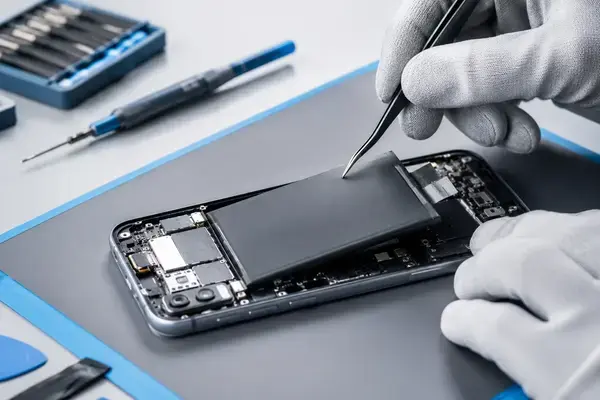
Check Settings → Battery → Battery Health. Under 80%, or a Service message, means the cell has lost capacity and no setting will bring it back. Sudden shutdowns at 20 to 40% and slow performance that improves when plugged in confirm it. A battery replacement at APEX takes 30 to 60 minutes and starts from Rs 1,800 depending on the model; see the battery replacement page and our eight-signs guide.
When it is something else
A phone that drains fast and gets warm while idle, especially after a drop or liquid exposure, may have a short on the logic board drawing current constantly. A phone that drains overnight from 100% to dead with nothing running has a hardware fault, not a settings problem. Both show up in a free diagnosis with a current-draw measurement.