Buying a Used iPhone in Lahore: 12 Checks Before You Pay
PTA, iCloud, replaced parts, battery, water damage and a ten-minute hardware test.
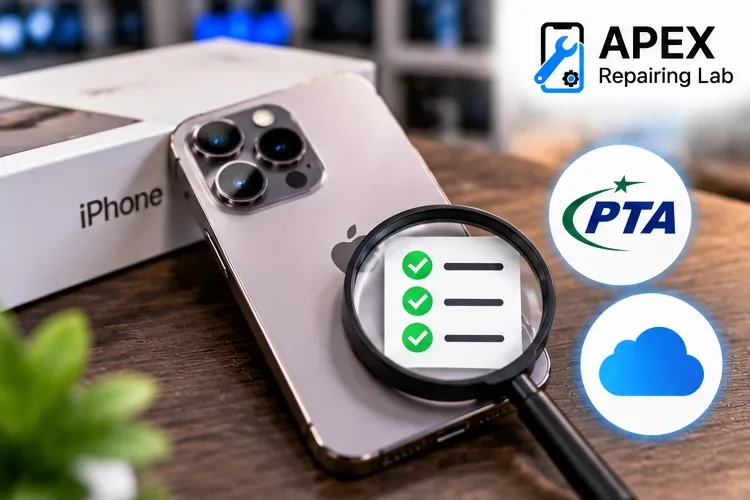
Check the model number and PTA status before you meet the seller.
Check model numberBefore you meet the seller
Ask for the IMEI and the model number (Settings → General → About) by message. Check the IMEI by SMS to 8484 or with our PTA IMEI check, and the model number with our model number check. A model number starting with M is a retail unit, F is Apple refurbished, N is a warranty replacement, and P was personalised with an engraving. A seller who will not share the IMEI before meeting is a reason to walk away.
Checks 1 to 4: ownership and PTA
- PTA status from your own phone. Send both IMEIs to 8484 yourself. A screenshot from the seller proves nothing.
- The IMEIs match. The number on *#06#, in Settings and on the box should be the same. A mismatch suggests a swapped board or a tampered IMEI.
- Your SIM works. Put your SIM in and make a call. A “patched” non-PTA phone can show signal today and lose it after the next update.
- Activation Lock is off. Ask the seller to sign out of their Apple Account and erase the phone (Settings → General → Transfer or Reset iPhone → Erase All Content and Settings) in front of you. When it restarts, the setup screen must not ask for the previous owner’s Apple Account. Never buy a phone that is “iCloud locked, but works”.
Checks 5 to 8: what has been replaced
- Parts and Service History. Settings → General → About shows it on iOS 15.2 and later. “Unknown Part” next to the battery, display or camera means a non-genuine part was fitted. That is not always a deal-breaker, but it should be reflected in the price.
- True Tone. Settings → Display & Brightness. If the True Tone switch is missing on an iPhone 8 or later, the screen has been replaced and the calibration data was not transferred.
- Battery Health. Settings → Battery → Battery Health & Charging. Below 80% means a replacement soon; budget for it using our Battery Health guide.
- Face ID or Touch ID. Set it up from scratch, do not just use it. “Face ID is not available” is an expensive fault to inherit.
Checks 9 to 12: a ten-minute hardware test
- Screen. Open a white page and a black page at full brightness. Look for lines, pink or green tint, dead spots and a yellow edge. Drag an app icon across every part of the screen to test touch.
- Cameras. Open every lens, front and back, in photo and video. A buzzing or shaking image means a damaged stabiliser.
- Audio. Record a voice memo and a front-camera video and play them back; this tests the microphones and speakers in a minute.
- Charging and liquid. Plug in and confirm it charges. On most iPhones with a SIM tray, a small indicator inside the slot turns red after liquid contact; shine a torch in. Check the screen sits flat with no lifting at the edges, which can mean a swollen battery.
Paying, and getting a receipt
Pay by a traceable method where you can and get a written receipt with the seller’s name, CNIC number, the phone’s IMEI and the price. If the phone later turns out to be stolen, that receipt matters. Keep the box, because its IMEI label helps with PTA questions and resale.
Get a second opinion
If you are buying at Hafeez Center or nearby in Gulberg, bring the phone to us at Hassan Tower before you pay. We open Settings, run the tests above, check the IMEI against the board and tell you plainly what has been replaced. It is part of our free diagnosis and you are under no obligation to repair anything with us. If you do buy a phone that needs work, our cost estimator shows the starting prices.
Frequently asked questions

Mobile repair specialist at APEX Repairing Lab, sharing expert tips, practical guides, and trusted solutions for iPhone and Android devices.
About APEX Repairing Lab · Spotted an error? Tell us on WhatsApp.