How to Check Your iPhone Model
Settings, the A-number, the box, and physical clues for a phone that will not turn on.
Already have the A-number? Look it up instantly in our free iPhone model number check.
Check my iPhone modelMethod 1: Settings, the definitive answer
Open Settings → General → About. The Model Name line says it outright, for example “iPhone 14 Pro”. Below it, Model Number shows a part number like MQ0G3; tap it once and it switches to the A-number, like A2892, which identifies the hardware and region. Our model identifier turns any A-number into the model, year and repair page.
Method 2: the A-number on the phone or tray
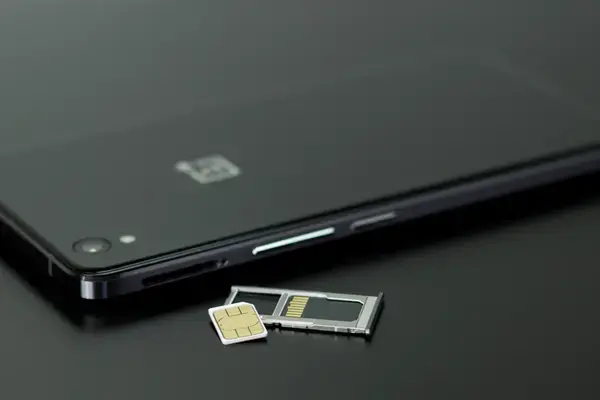
On the iPhone 7 and earlier, the A-number is printed in small text on the back near the bottom. From the iPhone 8 onward Apple removed it from the back; on many models it is printed inside the SIM tray slot, visible when the tray is out, and it is always on the original box label next to the IMEI and serial. The box label also tells you storage and colour.
Method 3: when the phone will not turn on
- Home button with Touch ID: iPhone 8, 8 Plus, SE (2020 or 2022).
- Notch, single rear camera: iPhone XR or iPhone 11.
- Notch, two cameras side by side, glossy back: iPhone X, XS, XS Max.
- Notch, two cameras diagonal: iPhone 12, 12 mini, 13, 13 mini (13 has the larger camera bump), 14, 14 Plus.
- Notch, three cameras: iPhone 11 Pro, 12 Pro, 13 Pro.
- Dynamic Island, two cameras: iPhone 15, 15 Plus (vertical on the 15 has a coloured frosted back), 16, 16 Plus (vertical cameras), 16e (single camera, Dynamic Island absent, notch).
- Dynamic Island, three cameras, flat titanium sides: iPhone 15 Pro, 16 Pro. Camera Control button on the right edge means 16 series or later.
- Full-width camera plateau on the back: iPhone 17, 17 Pro, 18 Pro. A single camera and very thin body: iPhone Air. A phone that folds: iPhone Duo.
If you are unsure, bring it in; identifying any iPhone on sight is part of our free diagnosis.
Method 4: from a computer or another device
If the iPhone is signed in, open appleid.apple.com or the Settings app on another Apple device signed in to the same Apple Account: the Devices list shows the model of every iPhone on the account. In Finder or iTunes, a connected iPhone shows its model at the top of the device page.
Why it matters for repair
Parts are model-specific. The iPhone 14 and 14 Plus have a removable back; the 14 Pro does not. The 15 uses USB-C; the 14 uses Lightning. The 13 mini takes a different battery from the 13. Knowing the exact model, ideally the A-number, lets us quote the right part on WhatsApp and have it ready when you arrive. Use the cost estimator once you know yours.