Phone Stuck on the Logo or Restarting?
Safe steps for a boot loop, the ones that destroy data, and how recovery works in the shop.
What is happening
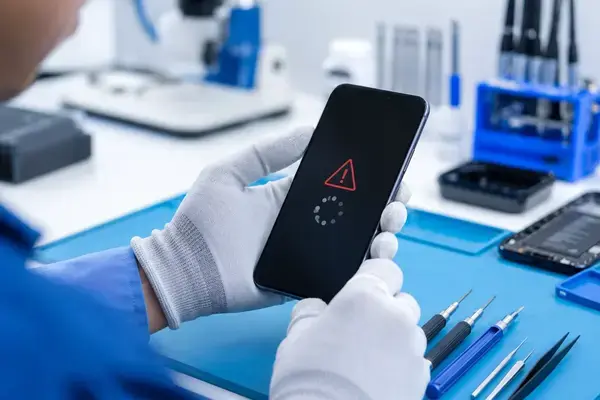
A boot loop means the phone starts, fails somewhere in loading the operating system, and restarts. The cause is one of three things: software (an interrupted update, a corrupt system file, a bad app on Android), storage (a failing memory chip), or hardware (a battery that cannot supply enough current to finish booting, a damaged connector after a drop, or liquid damage on the board). The first is common and fixable at home; the others need the shop.
Safe steps for an iPhone
- Force restart: press and release volume up, press and release volume down, hold the side button until the Apple logo appears, then keep holding for a few seconds more.
- Charge it for 30 minutes on a known-good charger. A weak battery causes loops that look like software.
- Update via a computer without erasing: connect to a Mac or PC with iTunes or Finder, enter recovery mode (the same force-restart sequence, but keep holding until the recovery screen), and choose Update, not Restore. Update keeps your data.
- Do not choose Restore unless you have a backup. Restore erases the phone.
Safe steps for an Android
- Force restart: hold power (or power plus volume down) for 10 to 20 seconds.
- Charge for 30 minutes and try again.
- Safe mode: on most phones, hold power, then long-press the “Power off” option and choose Safe Mode. If it boots, a recently installed app is the cause; uninstall it.
- Wipe the cache partition from recovery mode on Samsung and some others; it does not erase data. A factory reset from recovery does.
- Do not flash firmware yourself if your photos matter. A wrong file or an interrupted flash can make data recovery impossible.
What the shop does differently
We first check whether the loop is hardware by measuring the battery and power rails, because flashing a phone with a dying battery fails half-way and makes things worse. For software loops we reflash the official firmware while preserving user data wherever the platform allows it, and we back up first when it does not. For storage faults we tell you honestly what can be recovered. Software and boot repairs start from Rs 1,000 on Android and Rs 1,000 on iPhone; dead boot recovery from Rs 1,500. Diagnosis is free.