No Service or “SIM Not Detected”: What to Check
Nine checks in order: the SIM, settings, PTA status, then the hardware faults that need a bench.
Not sure if it is PTA or the phone? Check the IMEI status first, it takes ten seconds.
Check PTA statusRead the message first
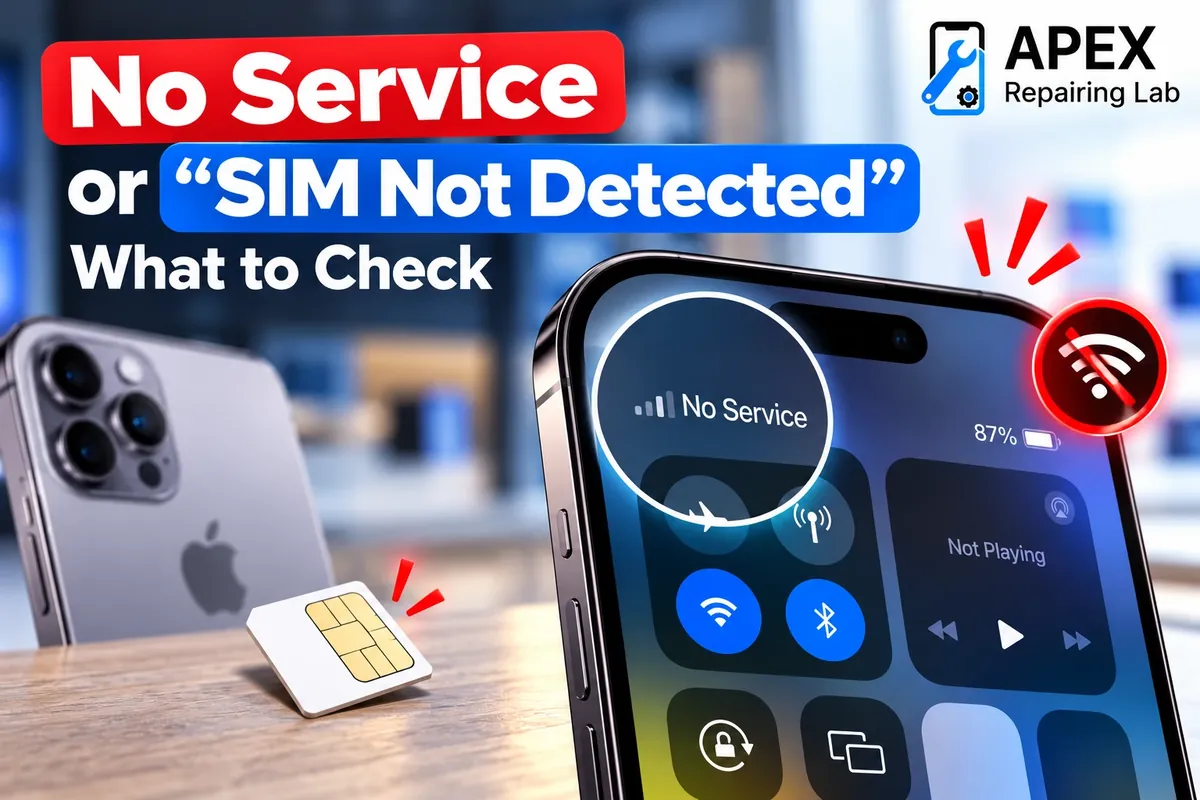
The wording tells you where to look. “No SIM” or “SIM not detected” means the phone cannot read the card at all: the SIM, the tray or the SIM reader. “No Service”, “SOS only” or an empty signal bar with the SIM detected means the phone reads the card but cannot register on the network: settings, PTA status, the operator, or the modem and antenna. “Invalid SIM” usually means the network has rejected that card or that phone. Work through the checks below in order; the first five cost nothing.
Checks 1 to 3: the SIM itself
- Restart and toggle Airplane mode on for ten seconds, then off. This forces the phone to search for the network again and clears more faults than anything else.
- Reseat the SIM. Power off, eject the tray with the proper tool, check the card sits flat, wipe the gold contacts with a dry cloth, and reinsert. A tray that is bent or was pushed in with a cut-down SIM is a common cause of “No SIM”.
- Try the SIM in another phone, and another SIM in yours. If your SIM fails in a second phone, the card is the problem: a free or cheap replacement from your operator’s franchise fixes it, and you keep your number. If every SIM fails in your phone, the phone is the problem.
Checks 4 and 5: settings
4. Network settings. On iPhone, open Settings → General → About and wait a few seconds; if a carrier settings update is available, it will prompt you. If that does not help, use Settings → General → Transfer or Reset iPhone → Reset → Reset Network Settings. This forgets Wi-Fi passwords but not your data. On Android, open the SIM or mobile network settings, make sure the SIM is switched on, set the network mode to automatic or 4G/LTE, and use the “Reset Wi-Fi, mobile and Bluetooth” option under Reset.
5. Dual SIM and eSIM. Check the right line is set for calls and data. A US-model iPhone 14 or later has no SIM tray at all and needs an eSIM; a physical SIM will never work in it.
Check 6: PTA status
In Pakistan this is the most common reason a working phone suddenly shows No Service. A phone that is not registered with PTA works for a limited grace period after it is first used on a local network, then it is blocked on every Pakistani SIM. Wi-Fi keeps working, which is the giveaway. Dial *#06# for the IMEI, then check it with our PTA IMEI check or by SMS to 8484. If it says blocked or non-compliant, no repair will help; the fix is registration on DIRBS, explained in our guide to a phone blocked by PTA.
Checks 7 to 9: signs of a hardware fault
- The IMEI is missing. If *#06# shows no IMEI, a blank, “null” or a row of zeros, the modem or its identity data is damaged. On Android this often follows a bad flash; on iPhone it points to the board.
- Modem Firmware is blank on iPhone. In Settings → General → About, an empty “Modem Firmware” line means iOS cannot talk to the baseband chip. That is a board-level fault, often after a drop or liquid.
- Signal comes and goes, or is only good in one spot, after a drop, a back glass or frame repair. That is an antenna, a loose antenna connector or a damaged SIM reader, and it is a quick repair once diagnosed.
What the repair involves
A bent tray or a SIM reader with damaged pins is usually fixed in under an hour while you wait. Antenna and connector faults are similar. A missing IMEI or blank modem firmware needs board-level work; we quote it after the free diagnosis and tell you honestly if it is not worth it on an older phone. We never change or “repair” an IMEI number: doing so is illegal in Pakistan and the phone ends up blocked anyway. Bring the phone to Hassan Tower, near Hafeez Center, or see the iPhone and Android repair pages.
Frequently asked questions

Mobile repair specialist at APEX Repairing Lab, sharing expert tips, practical guides, and trusted solutions for iPhone and Android devices.
About APEX Repairing Lab · Spotted an error? Tell us on WhatsApp.